
Remote work has transformed the modern workplace. What once began as a temporary solution has now become a permanent part of how many businesses operate worldwide. In 2026, remote and hybrid work environments are more common than ever, allowing employees to work from home, coworking spaces, or anywhere with an internet connection.
However, successful remote work depends heavily on the right digital tools. Teams need reliable software to communicate, collaborate on projects, share files, and stay organized across different locations and time zones. Fortunately, modern technology provides powerful platforms designed specifically for remote work and team collaboration.
From video conferencing and project management to cloud storage and real-time communication tools, these applications make it possible for distributed teams to remain productive and connected. In this article, we explore the best software for remote work and collaboration in 2026 and how these tools help organizations operate efficiently in a digital-first workplace.
1. Slack – Real-Time Team Communication
4
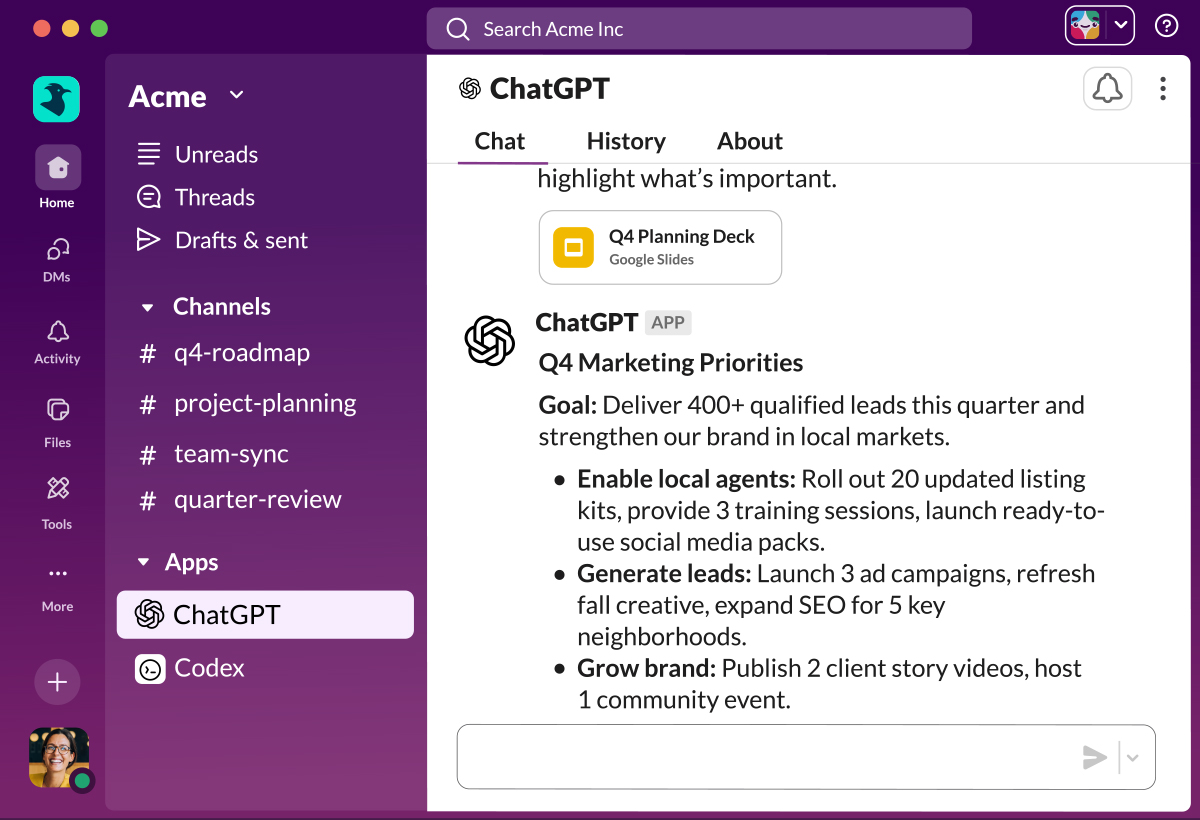
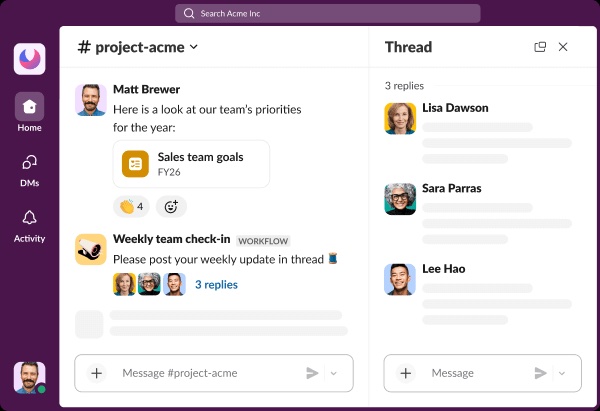
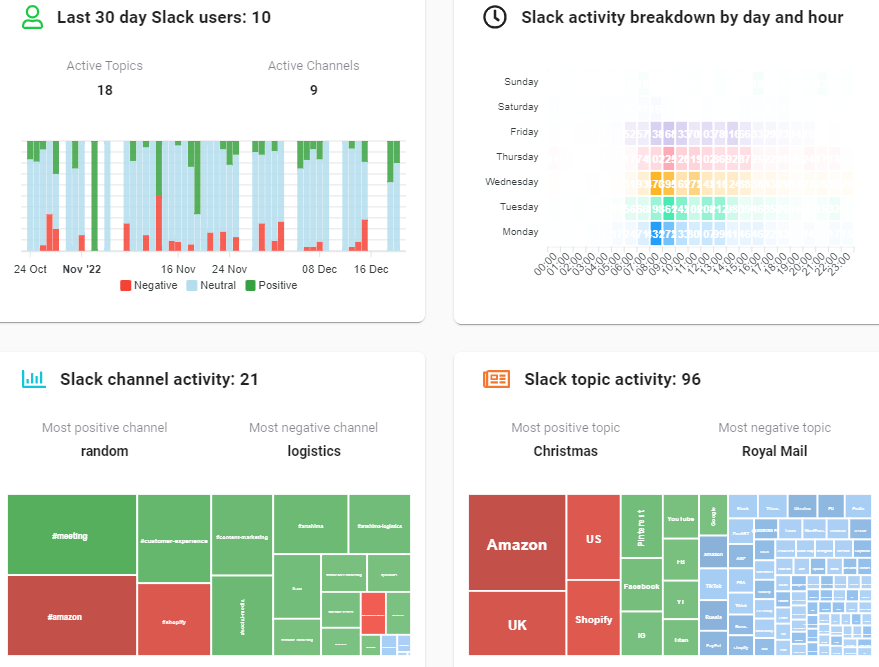
Slack is one of the most widely used communication platforms for remote teams. It replaces long email chains with organized messaging channels where employees can communicate quickly and efficiently.
Key Features
- Team messaging channels for organized discussions
- Direct messaging between team members
- File sharing and document collaboration
- Integration with productivity tools
- Voice and video calling
Slack allows remote teams to maintain constant communication while keeping conversations organized by project or department.
2. Zoom – High-Quality Virtual Meetings



4
Zoom has become one of the most reliable platforms for video meetings and virtual collaboration. It is widely used by businesses, schools, and organizations around the world.
Key Features
- High-quality video and audio meetings
- Screen sharing for presentations and demonstrations
- Meeting recording and playback
- Webinar and virtual event hosting
- Breakout rooms for group discussions
Zoom helps teams stay connected through face-to-face communication even when working remotely.
3. Microsoft Teams – Integrated Workplace Communication


4
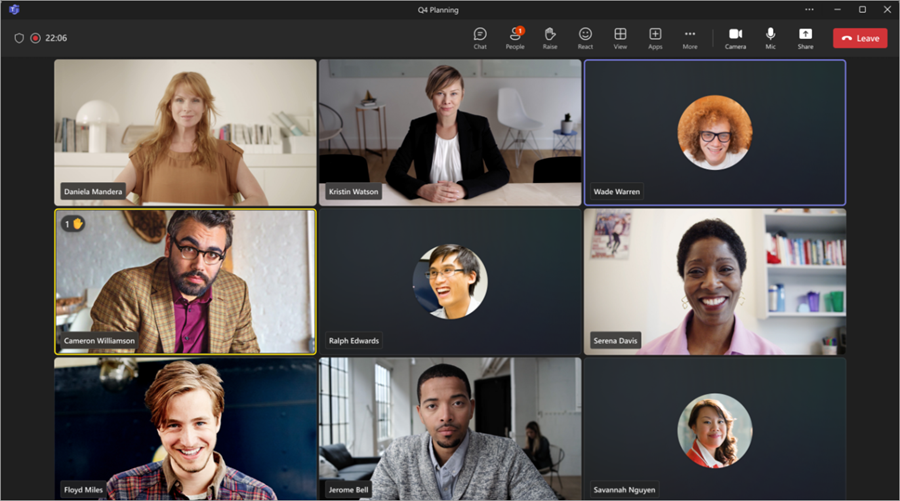
Microsoft Teams is a comprehensive collaboration platform designed for businesses and organizations that use Microsoft’s productivity ecosystem.
Key Features
- Chat and messaging channels
- Video conferencing and virtual meetings
- File sharing and document collaboration
- Integration with Microsoft Office applications
- Project and team management tools
Because of its integration with other Microsoft tools, Teams provides a complete digital workspace for remote employees.
4. Trello – Visual Project Organization

4
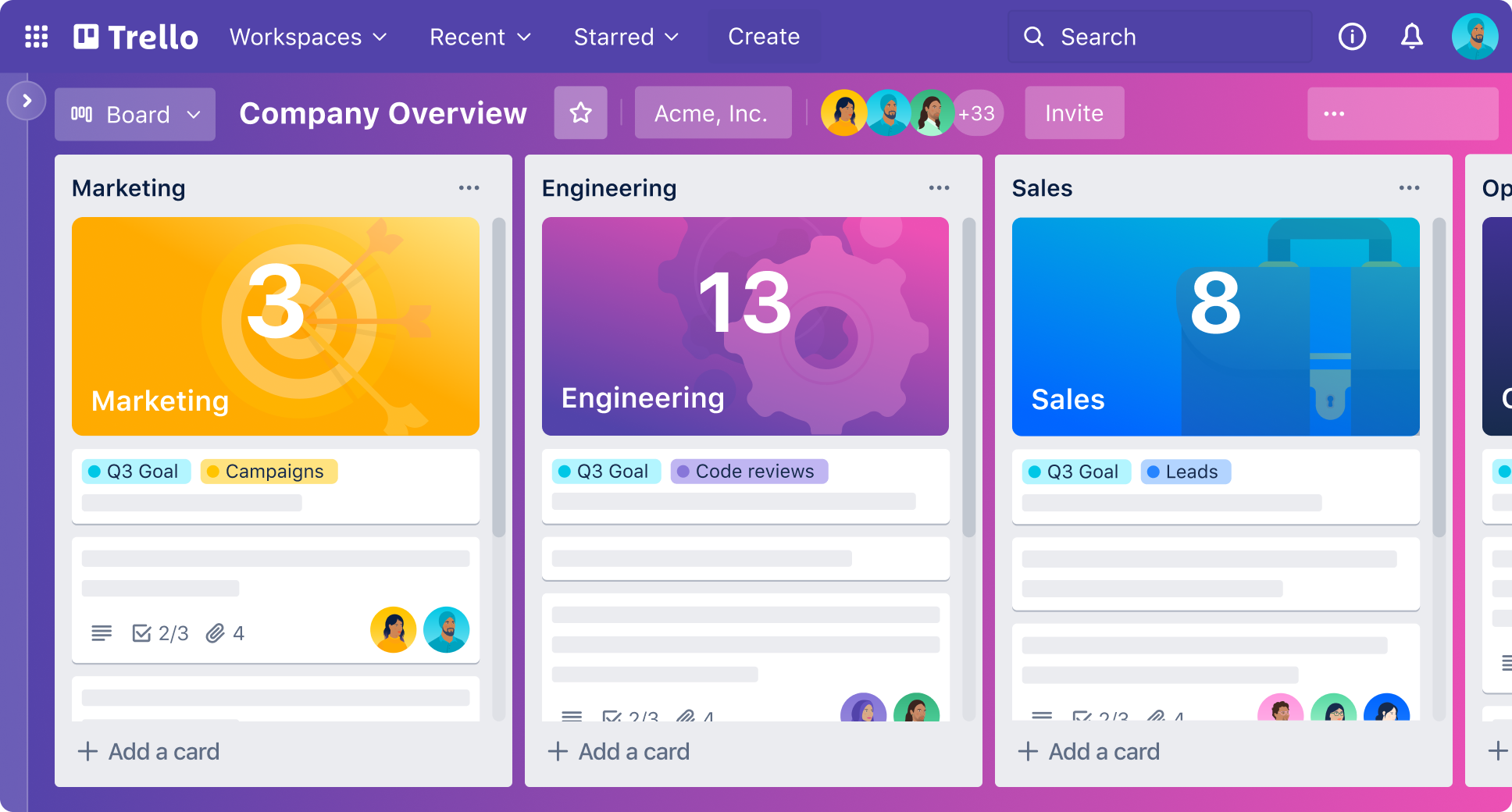
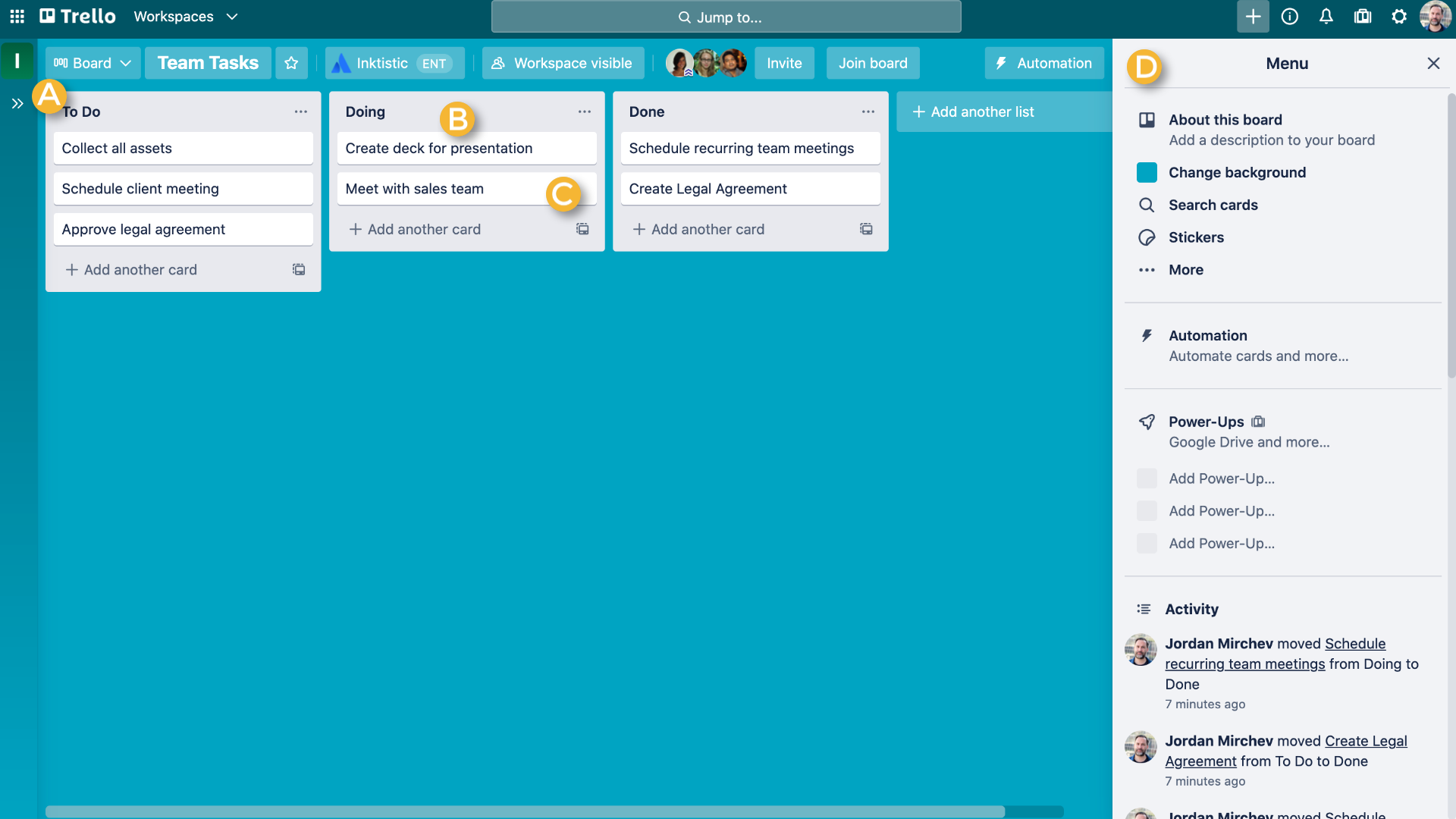
Trello uses a simple and visual Kanban board system to help teams organize projects and track progress.
Key Features
- Drag-and-drop task cards
- Visual project boards
- Workflow tracking
- Team collaboration tools
- Automation features
Remote teams benefit from Trello because it provides a clear visual overview of tasks and project progress.
5. Notion – A Flexible Productivity Hub


4
Notion has gained massive popularity as an all-in-one productivity workspace. It combines note-taking, project management, databases, and collaboration tools into one platform.
Key Features
- Shared team documentation
- Task management systems
- Knowledge base creation
- Project planning tools
- Real-time collaboration
Notion helps remote teams organize information and maintain a centralized digital workspace.
6. Google Drive – Secure File Sharing and Collaboration
4
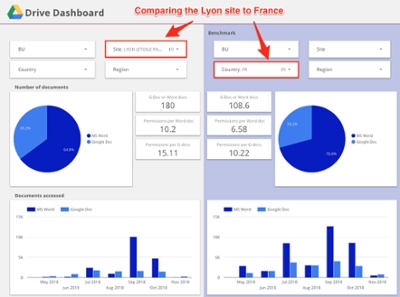
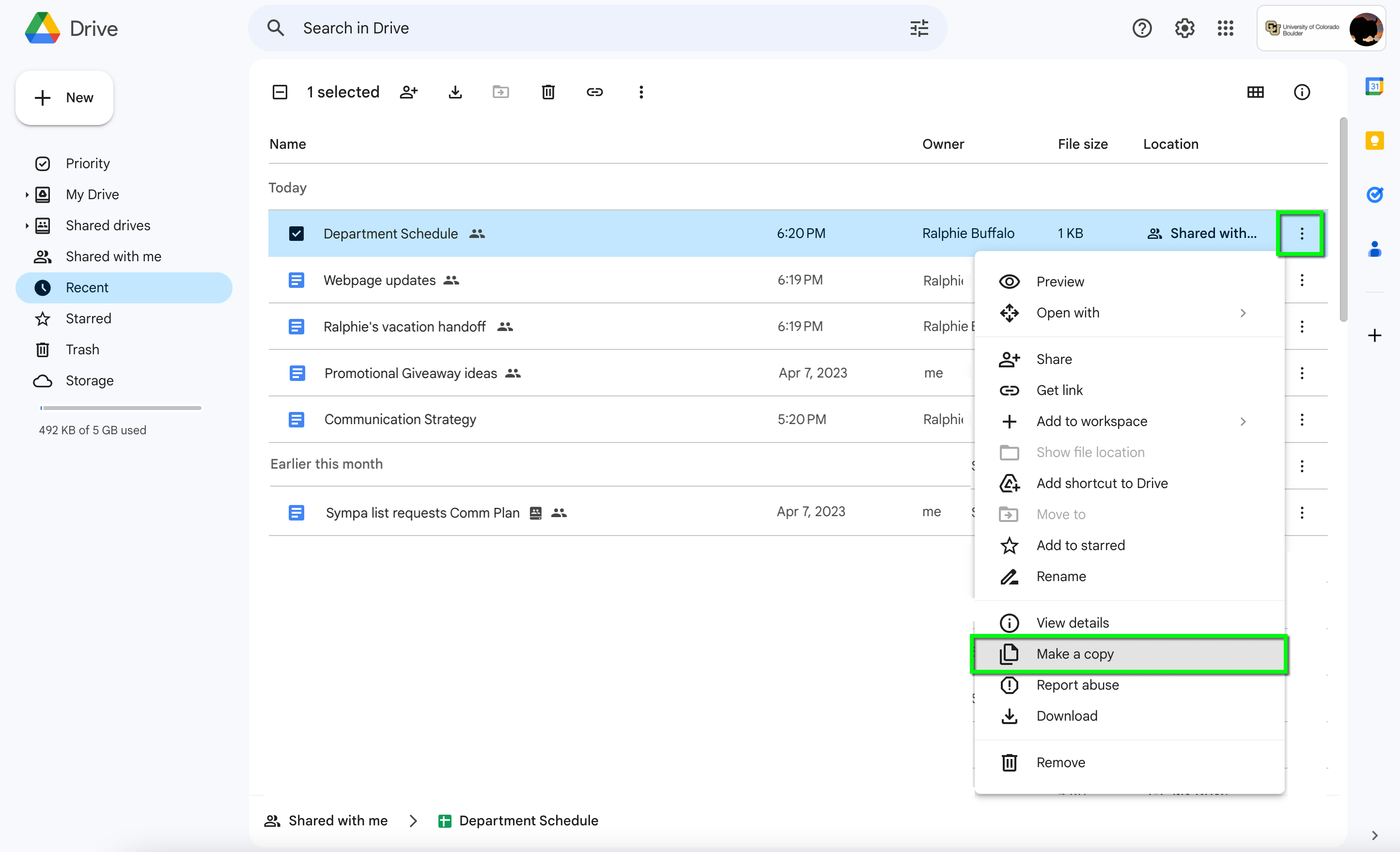
Cloud storage is essential for remote work, and Google Drive is one of the most widely used platforms for file management and sharing.
Key Features
- Secure cloud file storage
- Real-time document editing
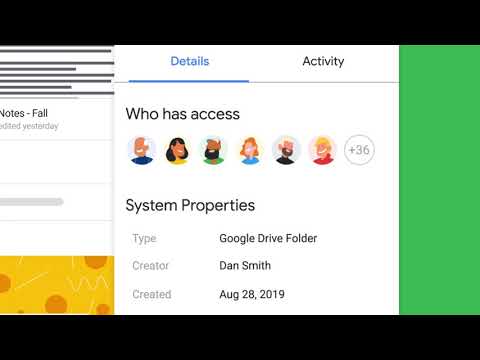
- Shared folders and permissions
- Integration with Google Docs, Sheets, and Slides
- Automatic backup and synchronization
Google Drive enables remote teams to collaborate on documents from anywhere in the world.
7. Asana – Advanced Task Management



4
Asana is a powerful project management tool that helps teams plan, organize, and track work efficiently.
Key Features
- Task assignment and deadlines
- Project timelines and roadmaps
- Workflow automation
- Team collaboration tools
- Performance tracking
Asana helps remote teams manage complex projects while keeping everyone aligned on responsibilities.
8. Miro – Visual Brainstorming and Planning

4
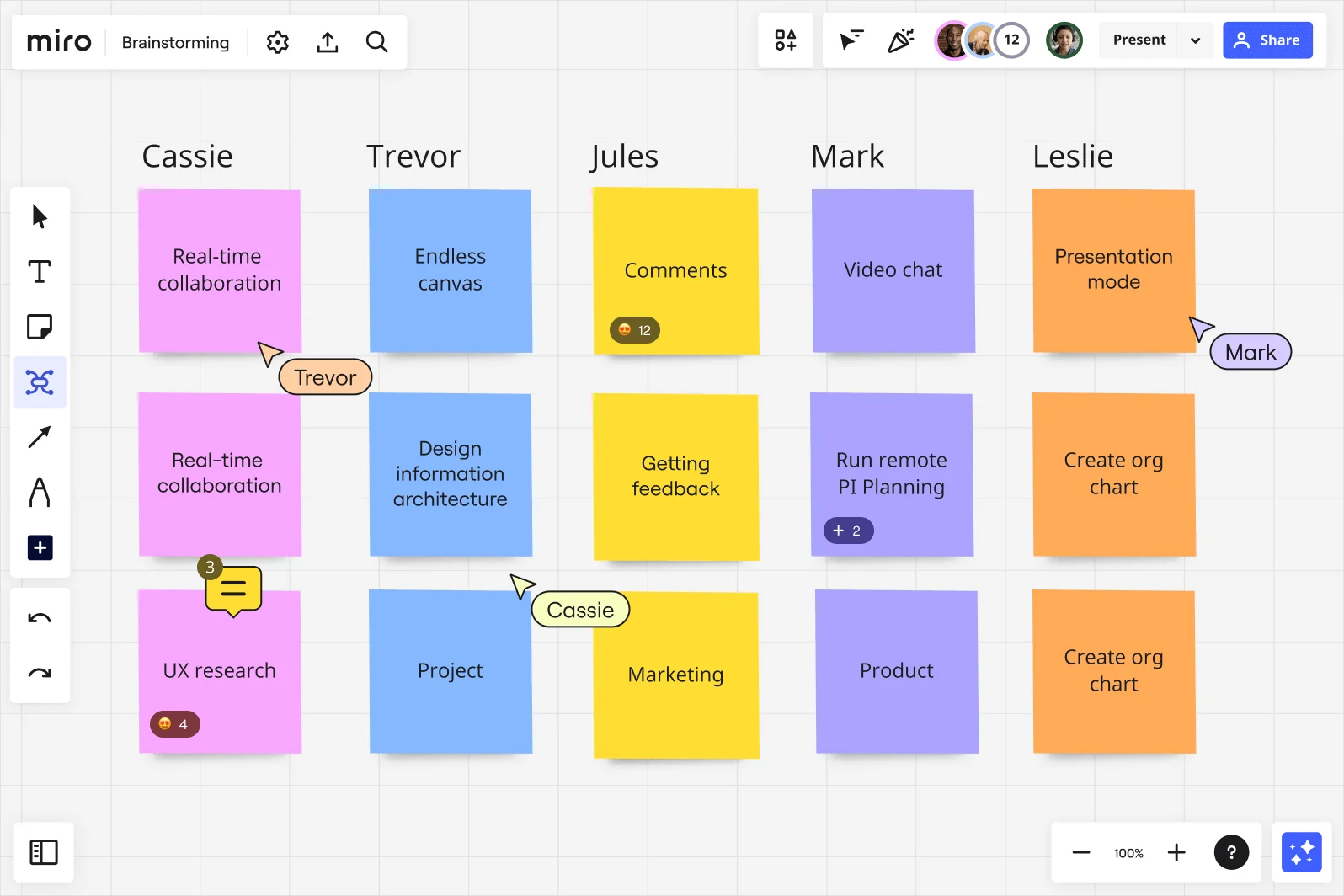
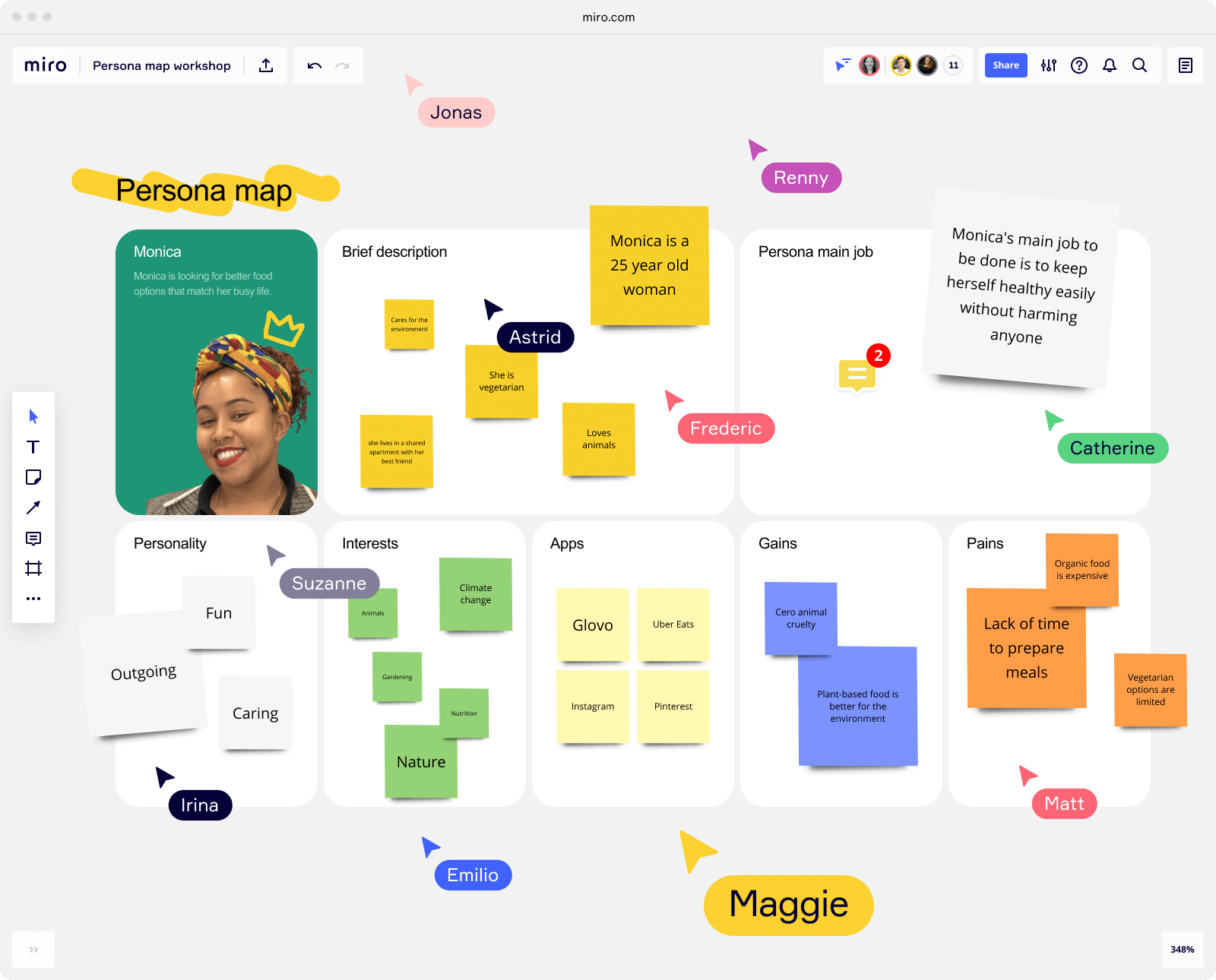
Miro is an interactive digital whiteboard designed for brainstorming, planning, and creative collaboration.
Key Features
- Visual brainstorming tools
- Mind mapping and diagram creation
- Collaborative workshops and meetings
- Project planning templates
- Integration with productivity platforms
Miro is widely used by product teams, designers, and educators to visualize ideas and collaborate creatively.
Benefits of Remote Work Software
Modern collaboration software provides several advantages for remote teams.
Improved Communication
Messaging platforms and video conferencing tools allow teams to communicate quickly and effectively.
Better Project Management
Task management tools help teams track responsibilities and deadlines.
Seamless Collaboration
Cloud-based platforms enable employees to work on shared documents simultaneously.
Increased Flexibility
Remote work software allows employees to work from different locations without disrupting productivity.
Tips for Choosing the Right Collaboration Tools
Selecting the right software depends on the needs of your team and organization.
Evaluate Team Requirements
Different teams may require different tools for communication, project management, or document sharing.
Look for Integration Options
Tools that integrate with existing software platforms create smoother workflows.
Prioritize Ease of Use
Software should be intuitive and easy for all team members to adopt.
Consider Security and Privacy
Choose platforms that provide strong data protection and access controls.
The Future of Remote Work Technology
Remote work technology will continue evolving as businesses embrace flexible work environments.
Future trends may include:
- AI-powered productivity assistants
- Virtual reality meeting spaces
- Advanced workflow automation
- Smarter collaboration platforms
- Improved cybersecurity protections
These innovations will make remote work even more efficient and immersive.
Conclusion
Remote work has fundamentally changed the way organizations operate. With distributed teams becoming the norm, reliable collaboration tools are essential for maintaining productivity and communication.
Software platforms like Slack, Zoom, Microsoft Teams, Trello, Notion, Google Drive, Asana, and Miro provide powerful solutions that help remote teams stay organized, connected, and productive.
By choosing the right combination of tools, businesses can build a digital workspace that supports collaboration, innovation, and efficiency—regardless of where employees are located.
As technology continues to evolve, remote work software will play an even greater role in shaping the future of work, enabling teams around the world to collaborate seamlessly in the digital age.